

View deployment task details, history, and status
Learn how to view deployment task details, history, and status, including sorting options and status descriptions.
View deployment history and status
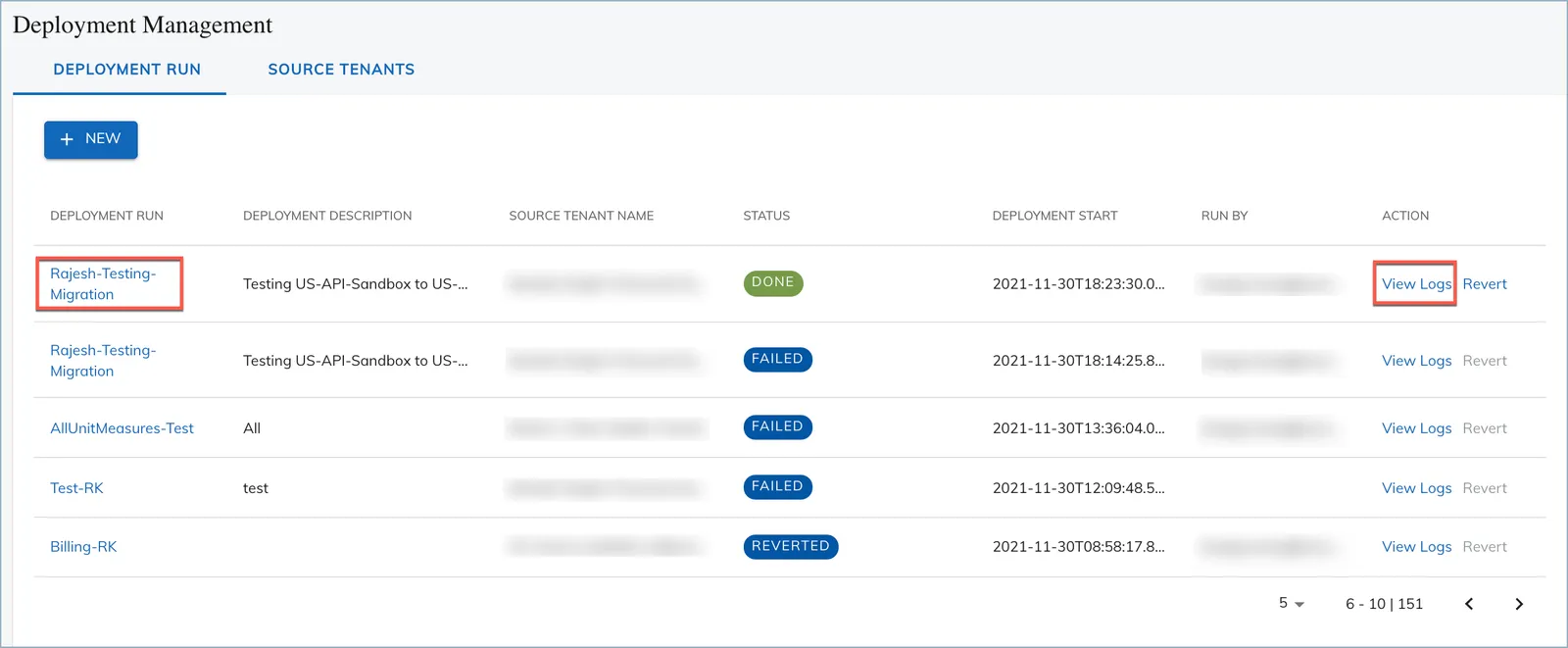
On the Deployment Run tab, you can view a history of previous deployment runs and their statuses. In addition, you can sort the list view by clicking on the column names.
View deployment task details
To view the task details of a deployment run, you can click the name of the Deployment Run to open a task detail page or click the View Logs link to download the task log.
On the task detail page, the Old Value refers to values in the target tenant before the deployment, and the New Value refers to values in the target tenant after the deployment. You can also download an audit report in the csv format.
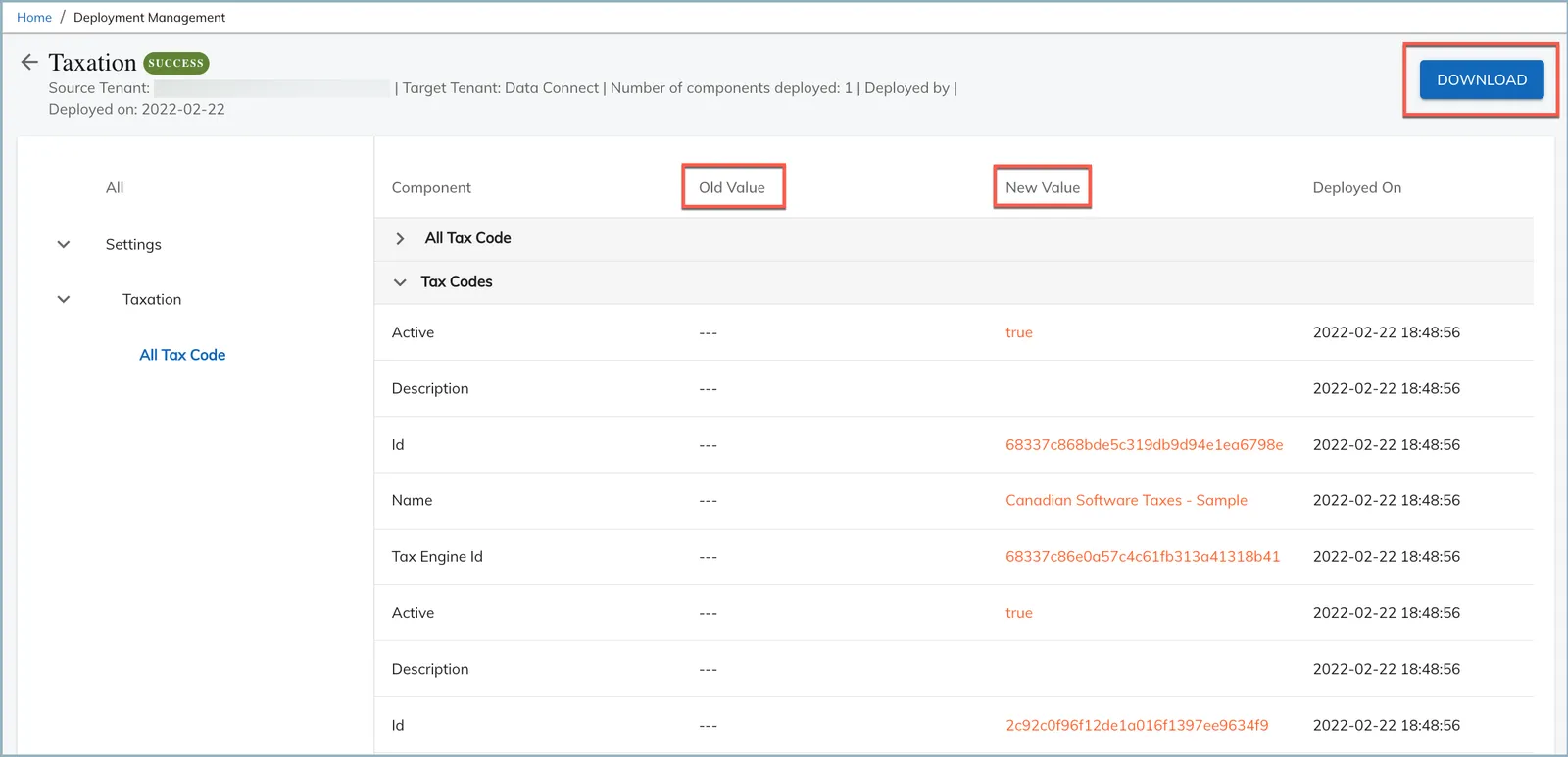
- Click a reverted deployment run name to view values from the original Deployment action, not the revert action.
- To identify the cause of a failed deployment run, click View Log to download the log.