Learn how to view and manage reports in OneID, specifically for organization admins.
These operations apply only to organization admins.
1Log in to the OneID account.
2Navigate to the Users menu.
3Use the filter icon to search users based on User Group, Global Role, Status, Name, and more.
4Click the download button from the top-right corner of the page to perform the following actions.
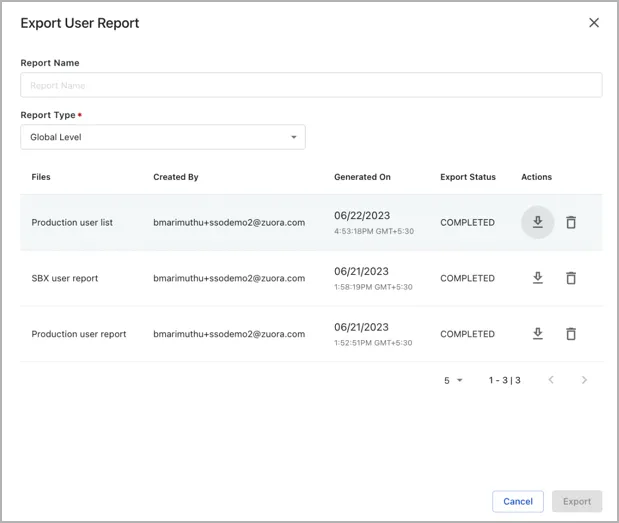
5To manage generated reports, click on the download option from the top right corner of the page.
6You can perform the following operations in Export User Report.
- Download: Click on the download button.
- Delete: Click on the delete button.