

Run a roll-up report
Learn how to consolidate standard reports at the parent org level and create a roll-up report for selected org units.
All standard reports will be consolidated and available at the parent/root org level.
The report preview will display the individual org units selected for the roll-up along with the cumulative value.
The gif below demonstrates an example of creating a rollup for an invoice data source:
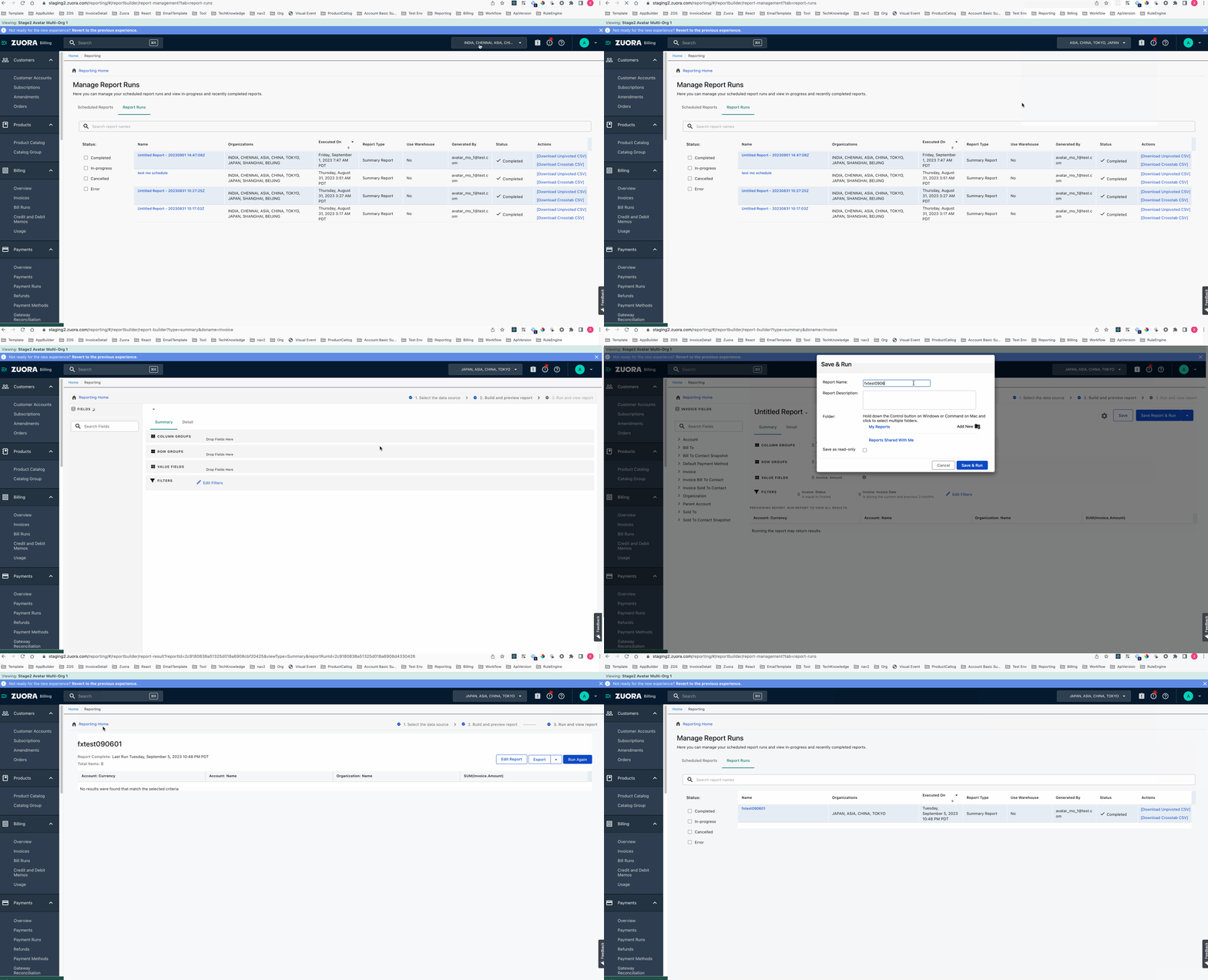
Create a Summary Report Follow the steps mentioned in Create a Summary Report to select a data source and customize the report.
The report preview will display the individual org units selected for the roll-up along with the cumulative value.
The gif below demonstrates an example of creating a rollup for an invoice data source:
The user first uses the org switcher to select the Org Units to be included in the roll-up report creation.