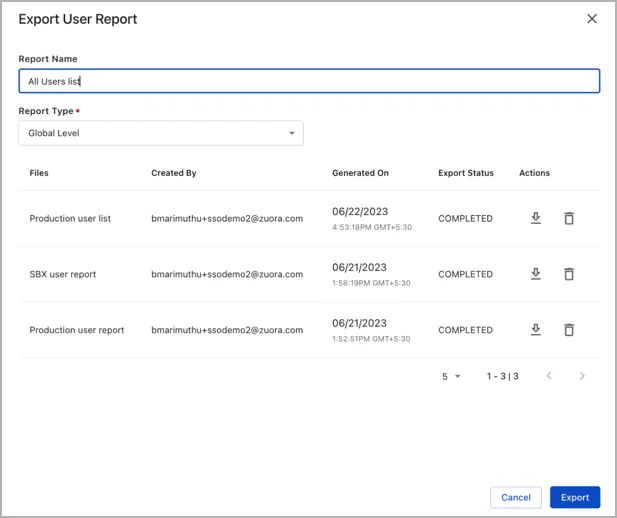
Security and identityOneID - Identity and Access ManagementUser reports in OneIDCreate a global user report in OneIDAsk a question|Copy page|View as Markdown|More actionsThis page is for Docs.Learn how to create and download a global user report in OneID by following these steps. 1Log in as administrator in the OneID account.2Navigate to the Users menu and click the download button from the top-right corner of the page.3In Export User Report, enter a Report Name.4Set the Report Type to Global Level and click Export.5You can download the report when the Export Status changes from Pending to Complete.