Configure connector field mappings
Configure custom field mappings to map Zuora source fields to Workday Prism table attributes and validate them with a dry run.
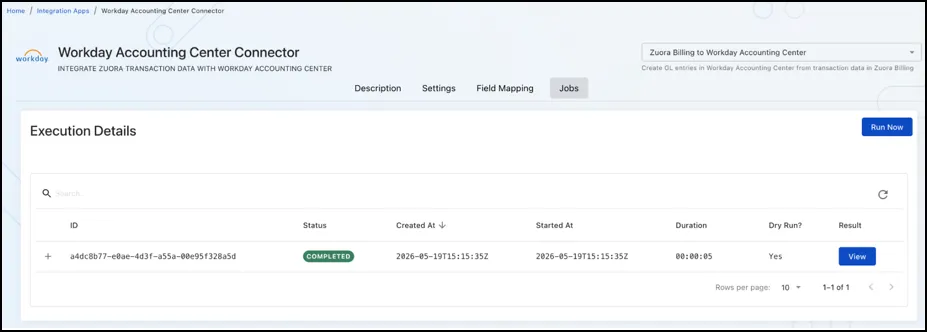
Configure field mappings for the Workday Accounting Center connector to map Zuora source fields to Workday Prism table attributes.
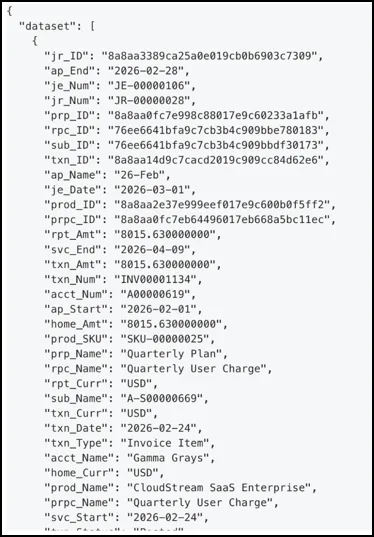
- Only fields included in the delivered Data Query output can be mapped.
- Avoid overpopulating attribute columns. Start with the minimum set required for reporting and reconciliation.
Select one of the following capabilities:
- Zuora Billing to Workday Accounting Center
- Zuora Realized Gain/Loss Reports to Workday Accounting Center
Optional: Configure custom field mappings:
-
For Billing mappings, map Zuora source fields to ATR1–ATR50 in the Billing Prism table.
-
For FX mappings, map Zuora source fields to SEG1–SEG5 in the FX Prism table.
Revenue uses the standard Revenue schema. Additional custom attribute mapping is not required beyond the mappings supported in the FDD.