

Example of configuring email templates
An example of an email template.
Email templates can be configured using plain text or HTML. For example, if you want to provide a list in your message to the customer, you could add the following code snippets to the <body> section of your email template.
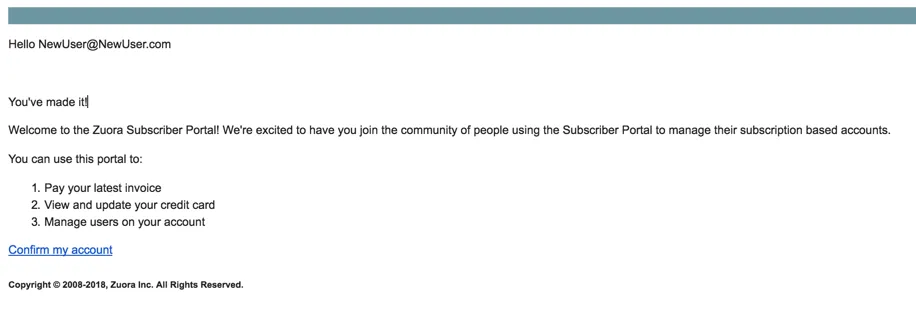
The following email sample illustrates the configuration above.
Limitations of the email template include:
- Hello
NewUser@NewUser.com: This portion of the email template is currently not modifiable and will be displayed below the heading of each sent email. - Confirm my account: This link is used to direct customers back to the portal. This portion of the email is currently not modifiable and will be displayed above the footer of each sent email.