For AI agents: a documentation index is available at the root level at /llms.txt. Append /llms.txt to any URL for a page-level index, or .md for the markdown version of any page.
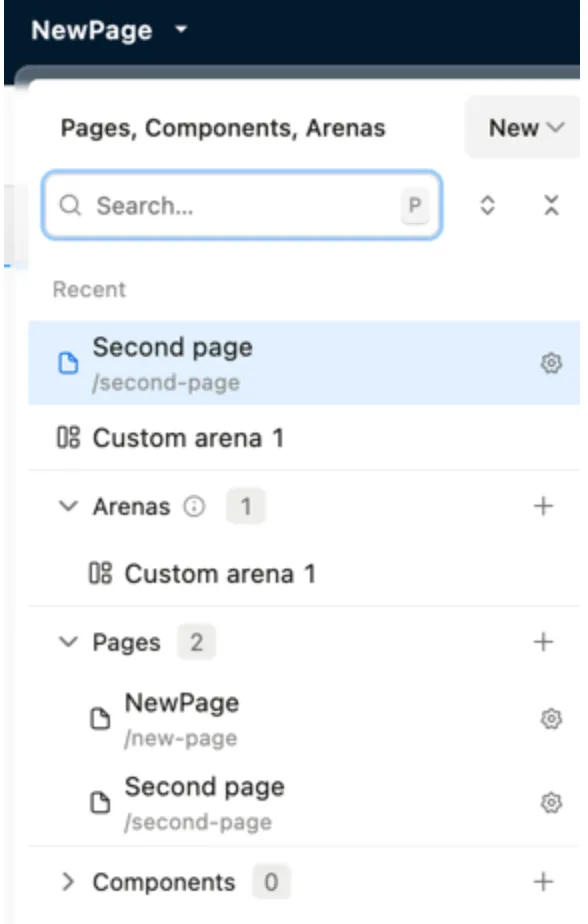
Page layout is the always the outermost component and inside of that is a slot of your body contents and this is what can vary from page to page. You can add two pages to the same page by clicking the Add option in the New page drop down.