For AI agents: a documentation index is available at the root level at /llms.txt. Append /llms.txt to any URL for a page-level index, or .md for the markdown version of any page.
You can export the logic and configurations of a workflow as a JSON file. The JSON file can be imported to create a replica of the workflow. The data that has been processed in a workflow cannot be exported or imported.
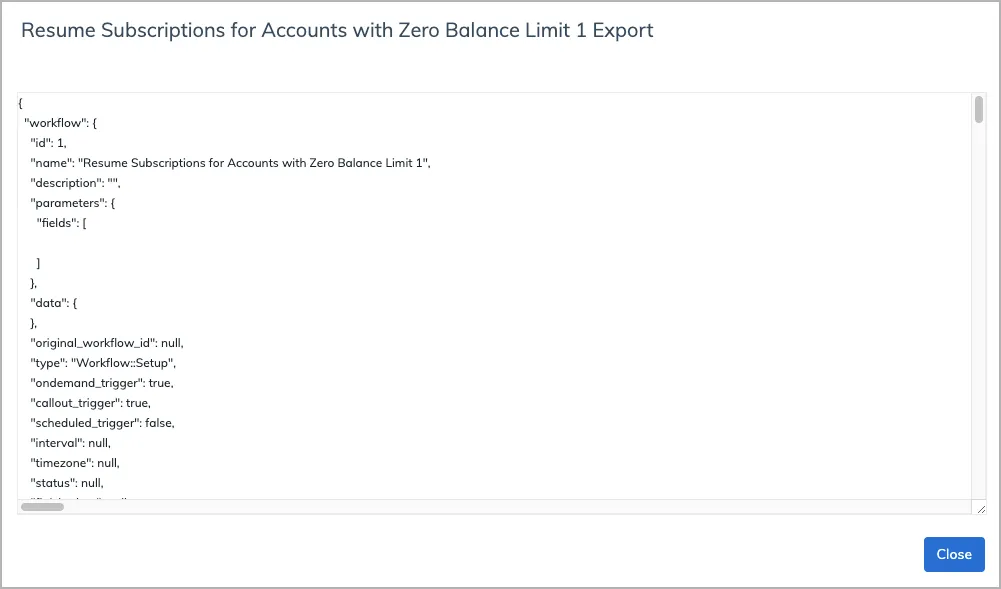
On the Workflows page, click the Export button in the row of the workflow that you want to copy from. A new window pops up showing the JSON code of the workflow.
Click Create. The new workflow is added to the list of workflows shown in the Workflows tab.
You have successfully export the logic and configurations of the active version for the workflow. To export a specific version, see Export a specific version of a workflow for more information.