Create a customer account and add subscriptions
Learn how to create a customer account for a single org unit and add subscriptions.
Each customer account that you create can belong to only one org unit. If you wish to have the same customer account details for multiple org units, you must create a separate customer account with the same details in each org unit.
Navigate to Customers > Customer Accounts in the left-hand navigation section and click Add New Account.
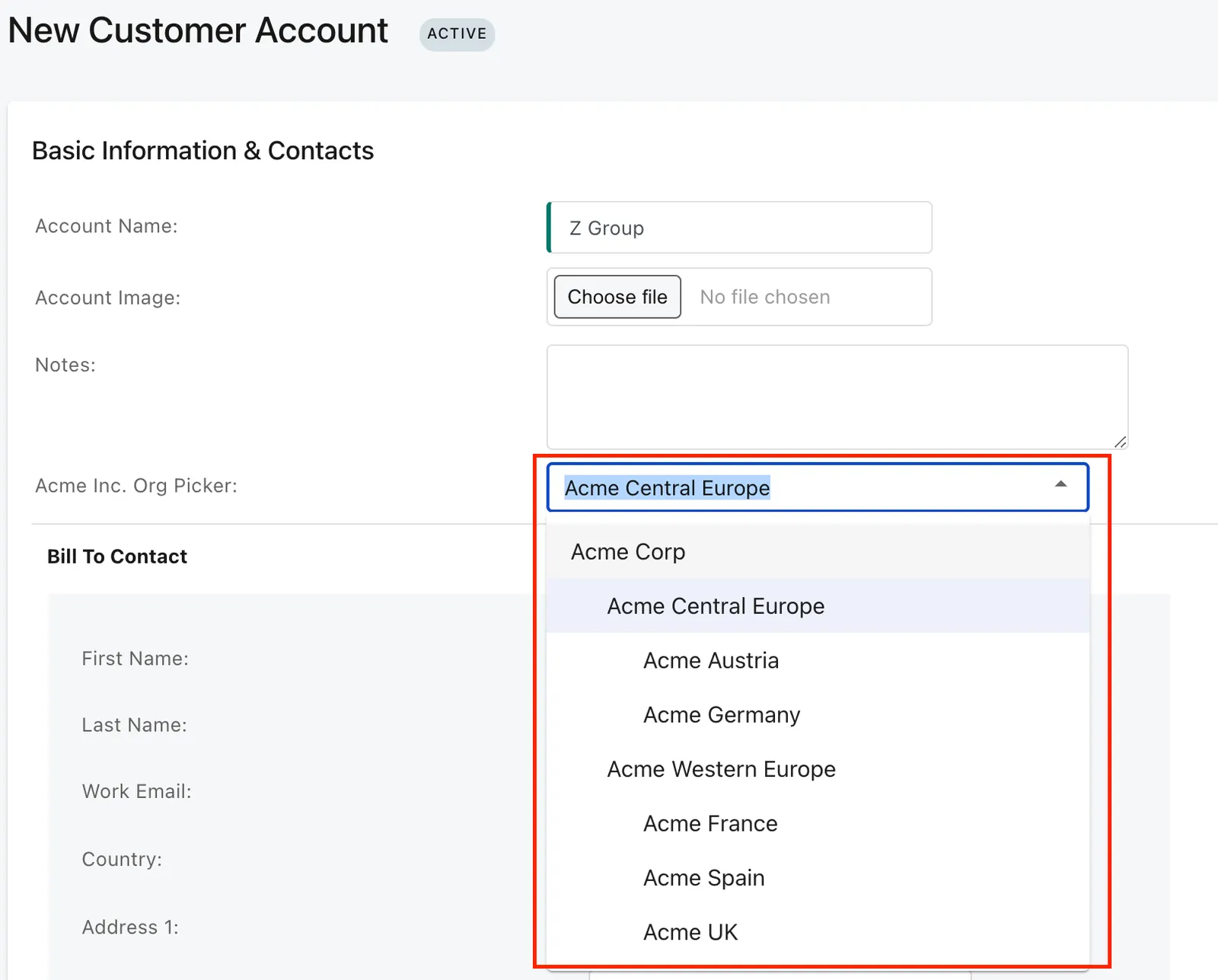
In the Basic Information and Contacts section, select the org unit in the Org Picker. To create a new unlabeled parent account, ensure that both Multi-Org and Customer Hierarchy are enabled in your tenant. The account can remain unlabeled only if it is an ultimate parent account. When assigning or updating a parent account, the selected parent must either be unlabeled or belong to the same org as the current account.