For AI agents: a documentation index is available at the root level at /llms.txt. Append /llms.txt to any URL for a page-level index, or .md for the markdown version of any page.
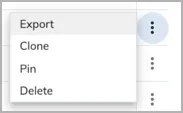
Navigate to Analytics > Explorer > Cards. You can determine whether a card is already pinned to the Dashboard by its value in the Pinned column. Only cards showing No in the Pinned column can be pinned to the Dashboard.