Edit a dataset
Learn how to modify a dataset’s elements, which may affect downstream cards and require confirmation for certain changes
To edit a dataset is to modify its various elements. Depending on the type of changes that you make, the data in the downstream cards may be changed, or the downstream cards may become invalid.
- Changes to the title or description of a dataset
- Adding a field for a summable metric
- Removing a field that is not used in any cards as card fields, card filters, or group-by fields.
When you save a dataset after making changes of the following types, a warning message will display.
- Changing the currency of the metric
- Changing the time period of the metric
- Adding or removing a filter
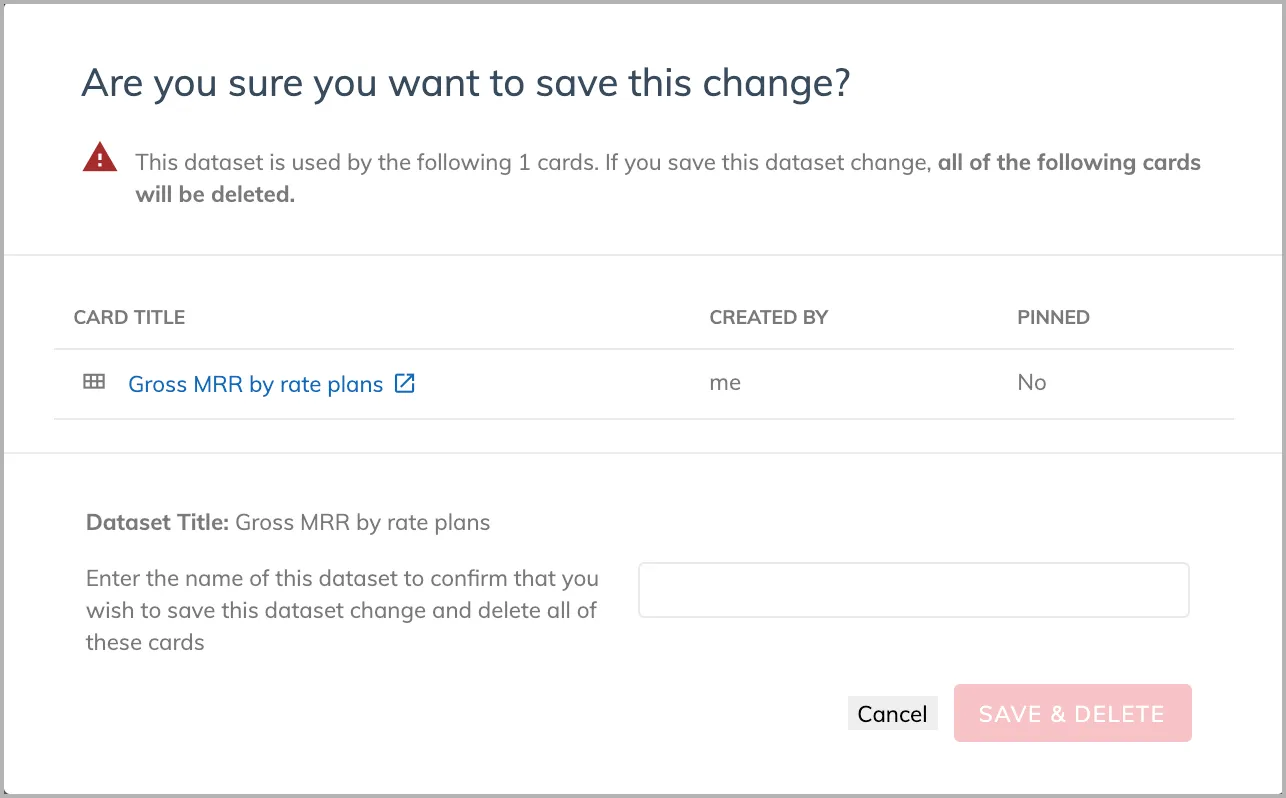
When you save a dataset after making changes of the following types, you will be prompted to confirm the changes and you want to delete the downstream cards.
- Removing a field that is used in a card
- Adding a field for non-summable metrics