

Create a journal run
Learn how to create a journal run by selecting an organizational unit and managing accounting periods in a multi-org environment.
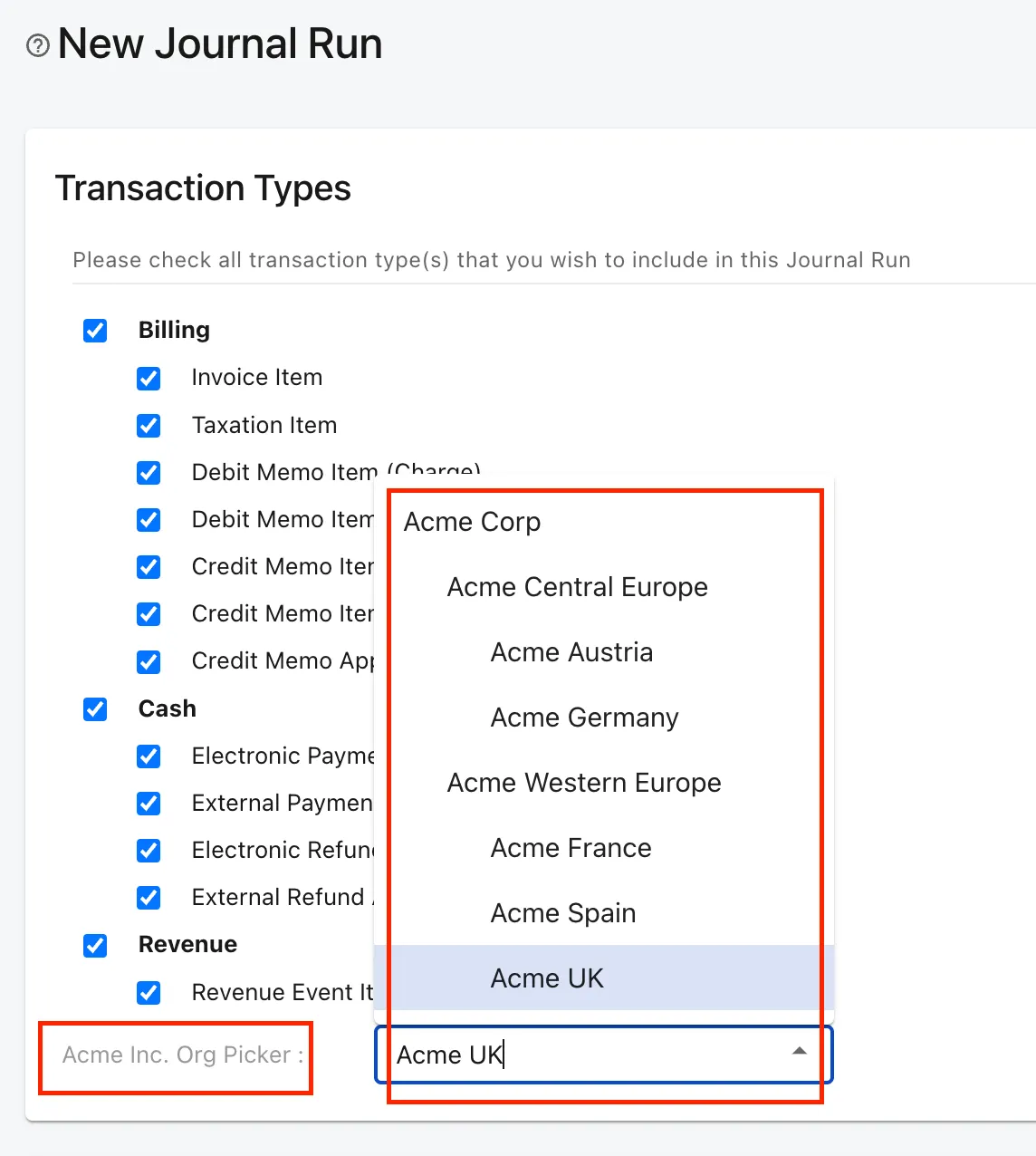
Users can select an org unit that they can access for creating the journal entries for transactions within that org unit. Each org. unit in a multi-org environment transacts as an individual business unit. Therefore, users must create individual accounting periods for each organizational unit. When a new org. unit is created within the org hierarchy, an open-ended accounting period is automatically created for each new org unit. Users can later create an accounting period for the org unit based on their access permission.
Create a journal run after closing the accounting period to include all the transactions.
The following transaction types are not supported when Multi-Org is enabled. If you need Journal Run reports for these transaction types, ensure you run the Journal Run before enabling Multi-Org.